
After finishing the installation of OpenStack, we are ready to create some instances. However, instances have to be built in a network which we should priorly create thus the instances will sit on top of it.
The goal of this lab is to try to set up some instances in different network and see if they could communicate with each other through a router connecting between those 2 network.
For this lab, we will create 2 network with the name of GREEN and BLUE. GREEN will have the address of 192.186.0.0/24 and BLUE will have the address of 192.169.1.0/24.
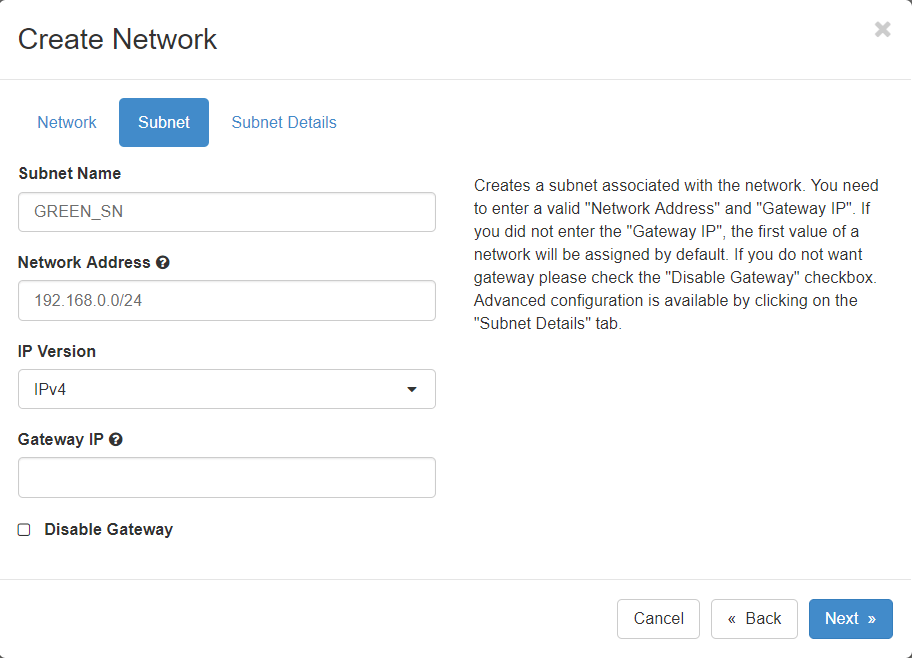

After the 2 networks are set up, we will start to create the instances. The instances will use cirrOS and the m1.nano flavor. 2 GREEN instances will be created on the GREEN network and 1 BLUE instance will be created on the BLUE network.
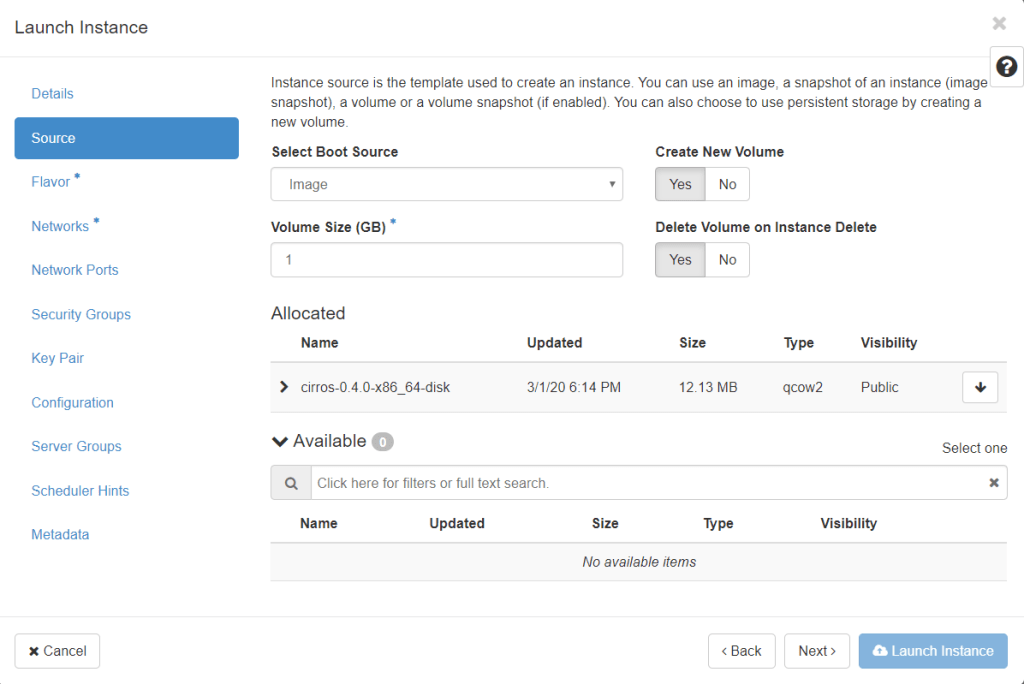
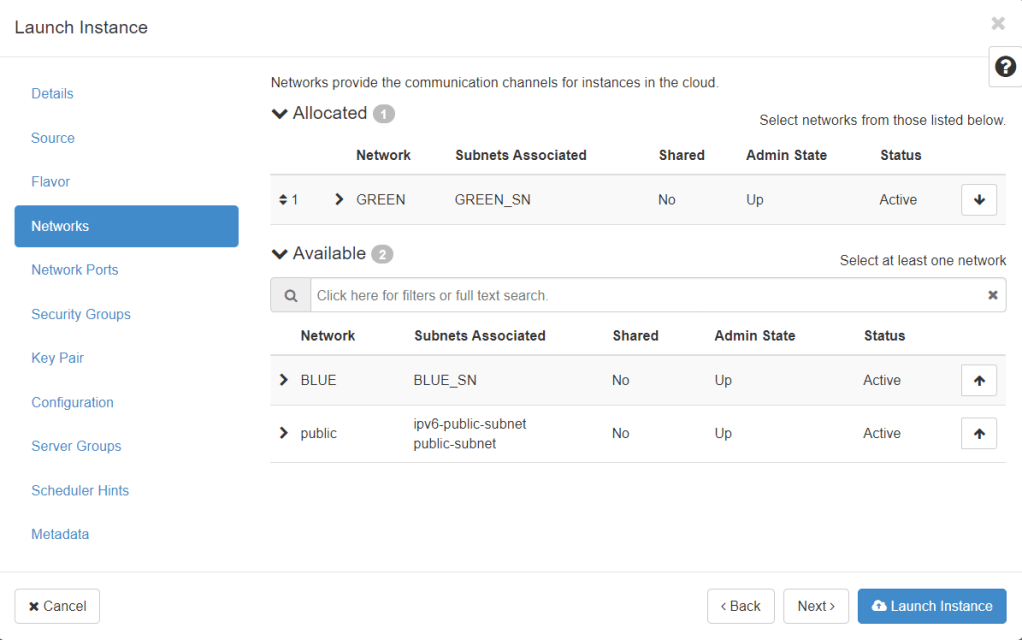
In the creation of this instance, it failed because the cinder-volume in OpenStack was down. Doing a reinstallation on Ubuntu and OpenStack resolved the issue and instances have been successfully created.
Some fixes were tried by installing NTP service on the OpenStack server. But this did not fix the problem which might indicate that the issue might be from my own device that could not sync with the server.
There are 2 instances created under GREEN network and 1 instance under BLUE network. All instances have m1.nano falvor with cirrOS 0.4.0 installed.
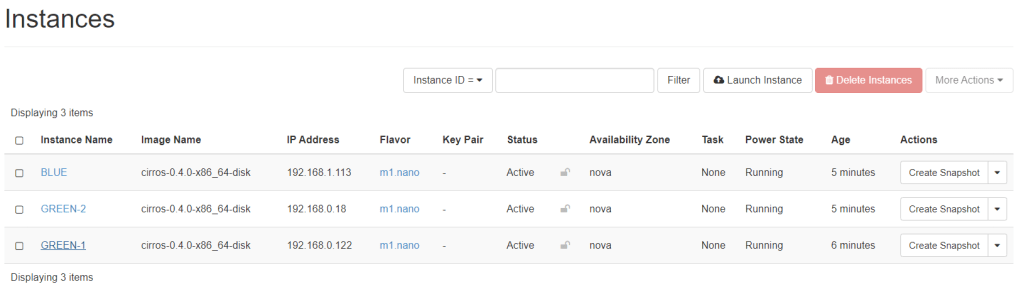
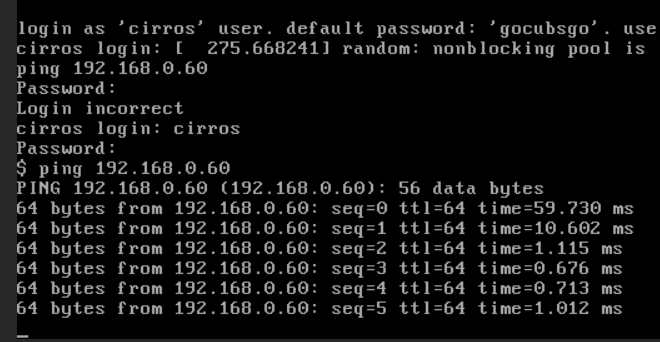
The goal now is to check if the instances could communicate with the other instances in the same network and on other network. To do that, we will start with accessing GREEN-1 console then ping GREEN-2 instance. We see that it worked perfectly.
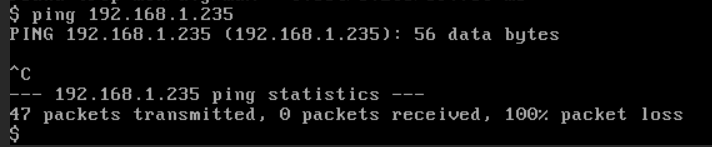
Because GREEN-1 and BLUE are on different networks, they cannot ping each other. The figure below shows the evidence that they could not communicate with each other.
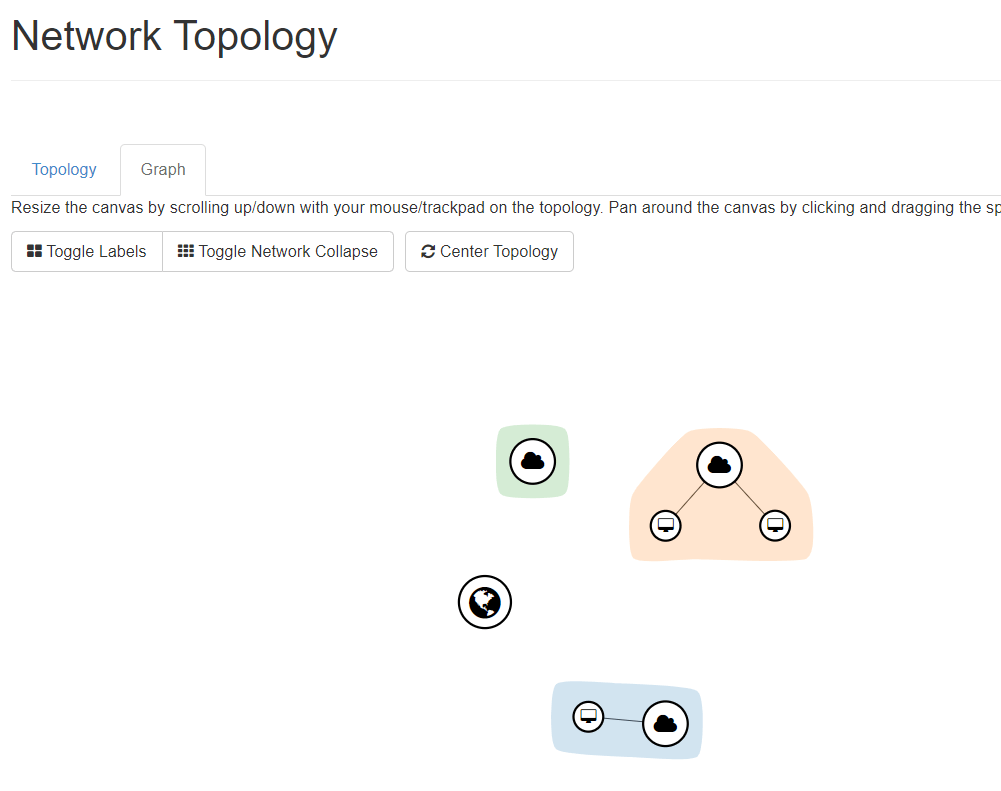
As you can see, this is the network topology that has been built with 2 instances in 1 network which is GREEN and 1 instance in the other which is BLUE.
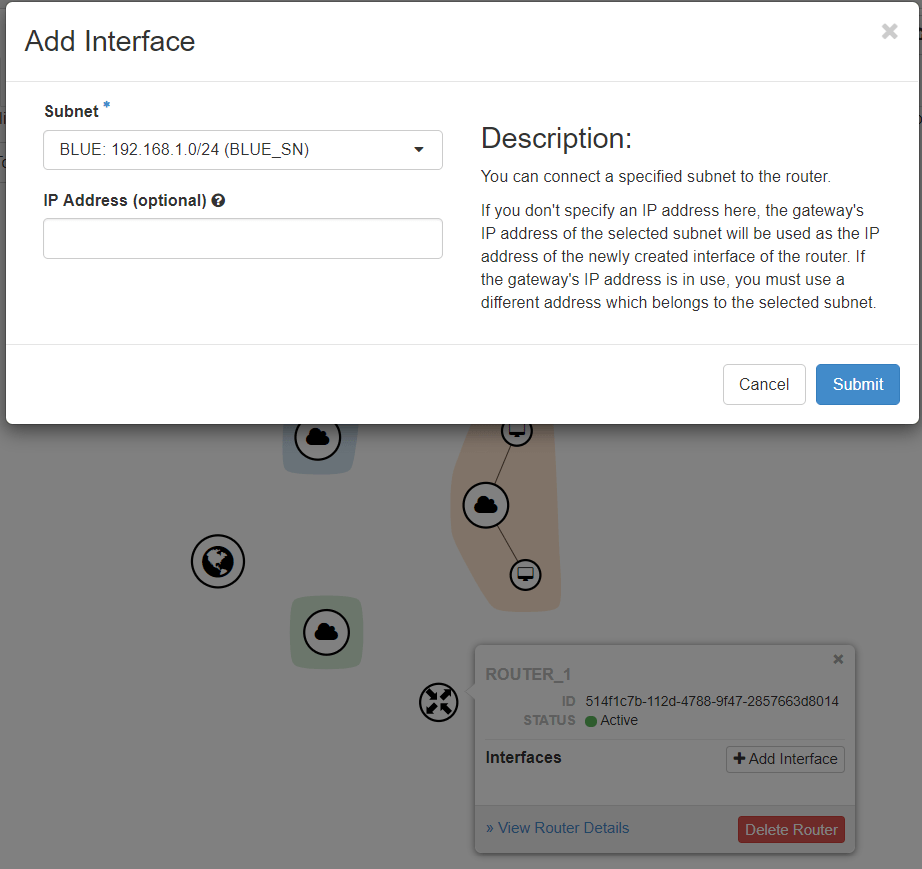
By adding a router and registering each network interfaces would connect those networks together.
As you can see below, this is the new network topology where the 2 networks are connected to each other through a router.
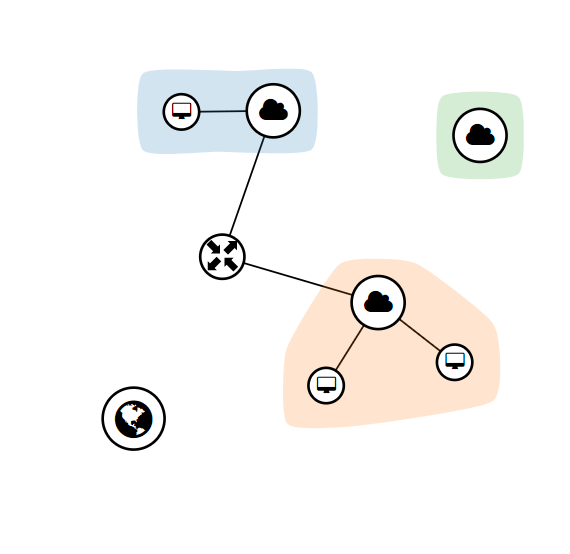
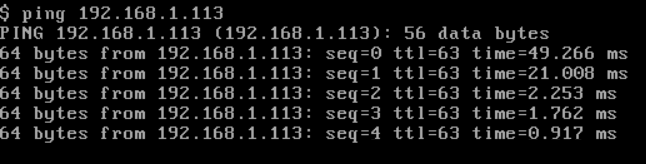
If we go back to GREEN-1 console and ping BLUE IP address, the communication should work fine and now the instances in both network could communicate with each other.
OpenStack Networking Feature: Auto-allocation
This is a feature neutron provided which helps VMs to boot to an previously created and allocated network. This eases the whole process on setting up network, subnet, router to its uplink to the internet. The idea is to set up an allocated network so that the VM instance can boot to the network transparently. Nova will automatically use this feature to connect VMs without specifying any network information.
To set up this feature, the user would need to set up an external network with default subnetpools (IPv4 or IPv6 or both). The operators or admins can now get the auto-allocated network topology ID. This ID could be used to put in as a net-id parameter when booting up a VM. However, as stated before, when the –nic option is omitted from the command, Nova will automatically wire the VM to the auto-allocated VM.
This could easily eases the work on setting up a network for VMs every time. The automatic feature from Nova provides ease and is helpful for some operators with less experience in the networking and project network topology.
Critical Thinking
This lab showed how easy it is to set up a network and instance in the cloud. It only takes a few clicks to actually launch an instance tot he server. Though some understanding on how the server works and its services, it is basically straightforward.
A graphical user interface from browsers makes it easier for learners and some people who are familiar with the commands of OpenStack. OpenStack even has the graph version of the network topology which is quite unique for the less experienced user. This could help them visualize how the network works and is even interactive with some actions like creating a router and its interfaces through the network topology graph.
Still with its simple services OpenStack provide, it is equipped with several networking features which are quite common and convenient. One of them is the auto-allocated network which provide ease on setting up a network. Other features also include load balancing, high-availablity for DHCP, QoS, Role-based access control, etc. As you can see these features not only provide an ease for network management, but also for redundancy and performance.


